
 Türkçe
 English
WordPress Cookie Consent Plugin for Privacy Control
Give your WordPress visitors a transparent way to manage cookies, tracking preferences, and consent decisions. Okito helps you move beyond a basic cookie notice with a privacy-first consent layer designed for cleaner control, better records, and a smoother user experience.
 Download Free Plugin
Built to Scale Across Websites and Platforms
Whether you manage one WordPress site or multiple websites across different platforms, Okito keeps cookie consent consistent across every domain, language, and region. Manage banners, cookie categories, tracking preferences, and consent records from one centralized dashboard—without repeating the same setup for every website.




























Works with themes, page builders, forms, analytics tools, and e-commerce plugins. Easily fits into your existing setup.

Cookie banners, preference controls, and script blocking run smoothly in the background without weighing down your website.
Manage cookie banners, consent preferences, and records from one centralized dashboard as your website grows.

Lead Your Compliance with a Trusted Cookie Consent Platform
Set Up Your WordPress Cookie Consent Plugin
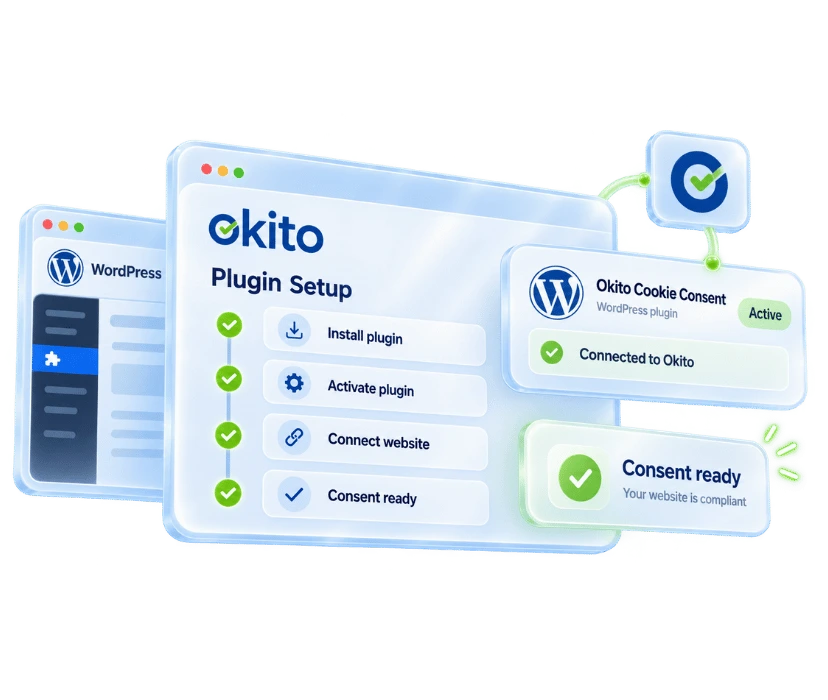
Add cookie consent management to your WordPress website in a few simple steps. Connect the plugin to your centralized dashboard to manage banner settings, cookie categories, and visitor preferences in one place. Create a manageable consent structure without changing your existing themes, forms, or analytics tools.
Customize Your Cookie Banner
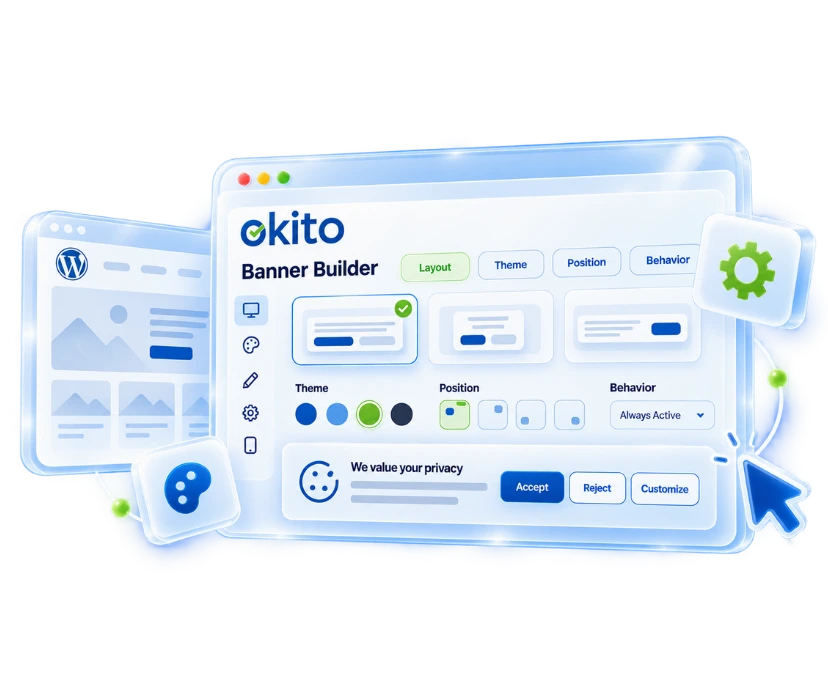
Create a cookie banner that fits naturally with your website’s design. Customize the text, colors, layout, buttons, and cookie categories to suit your needs. Allow visitors to accept or reject cookies and update their preferences at any time.
Scan Cookies and Tracking Tools
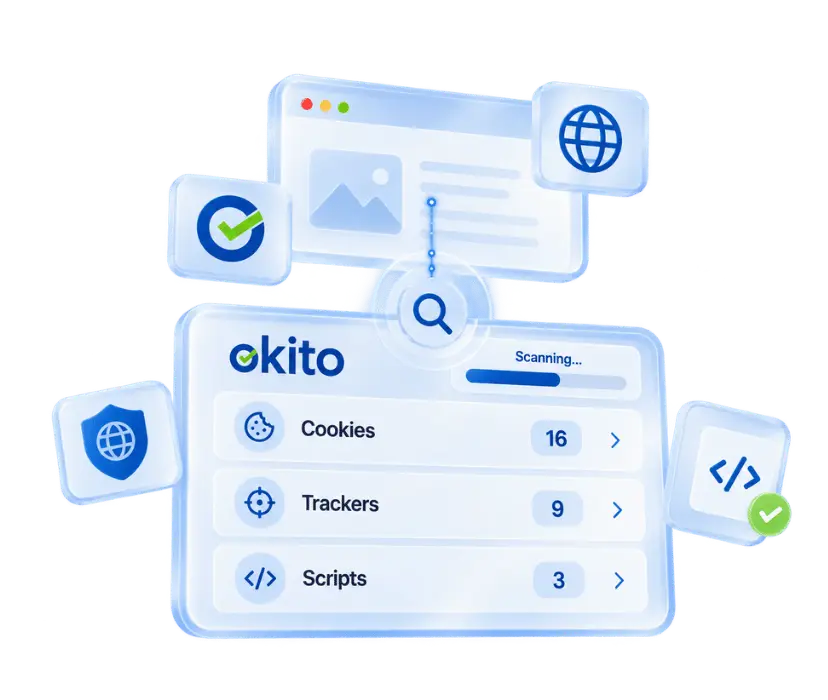
Scan for cookies and tracking technologies used by plugins, scripts, forms, embedded content, and third-party tools. Classify detected cookies by purpose to make your data collection practices easier to understand. Run new scans when your website changes to keep your cookie list up to date.
Block Scripts and Keep Consent Records
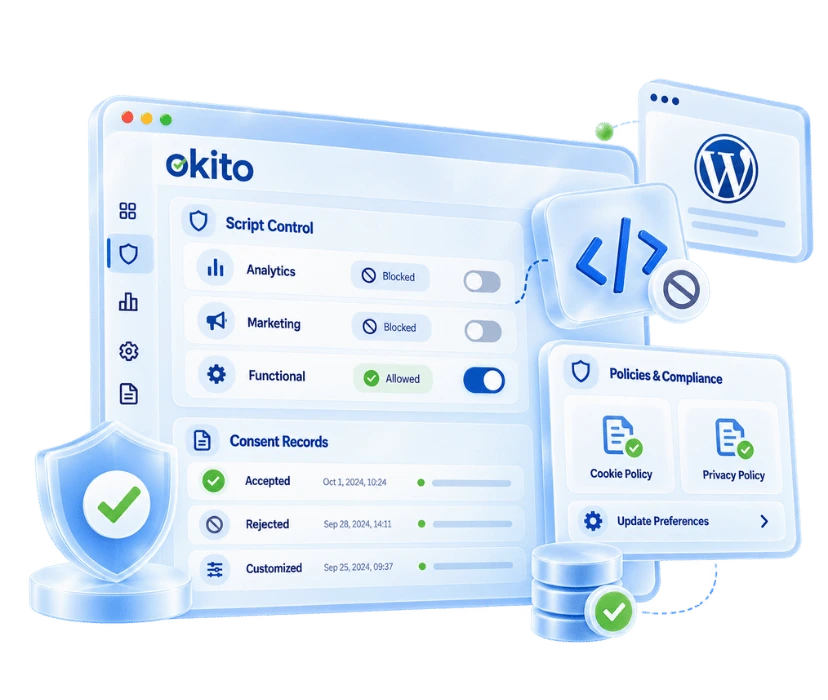
Apply each visitor’s banner choices to how your website operates. Block non-essential scripts until consent is given and record accepted, rejected, or customized preferences. Connect these choices with Google Consent Mode v2 to help Google tags behave according to each visitor’s consent.
Frequently Asked Questions
For cookie consent to work correctly, the plugin must be installed and connected to your website in Okito. Install and activate the “Okito Cookie Consent” plugin from your WordPress dashboard, then enter the Website Key from your app.okito.com under Okito > Settings. Once connected, you can publish your banner and manage its consent settings from the dashboard.
You do not need a paid plan to create a basic cookie banner. Okito’s free plan lets you publish a GDPR cookie consent banner, collect visitor preferences, and manage basic cookie categories. Advanced features such as detailed scanning, consent logs, and location-based banners can be accessed by upgrading your plan without reinstalling the plugin.
WordPress plugins, analytics tools, forms, and embedded content can activate cookies that may not be immediately visible to visitors. Okito scans these cookies and tracking technologies and helps you organize them into necessary, functional, analytics, and advertising categories. From the dashboard, you can edit category descriptions, configure consent options, and control the behavior of connected scripts.
Analytics, advertising, and tracking cookies may begin processing data before a visitor makes a choice, which is why GDPR and ePrivacy rules require prior consent for cookies that depend on consent.
Under the GDPR, cookie consent means that visitors understand which cookies or purposes they are agreeing to and make a free and informed choice. Strictly necessary cookies may not require prior consent, and visitors must be able to change or withdraw their consent later.
Using WordPress does not automatically create a cookie consent requirement; what matters is which cookies are activated by themes, plugins, and third-party tools. If your website uses consent-dependent cookies for analytics, advertising, personalization, or tracking, visitor consent must be obtained before they are activated. If you are unsure which cookies are running, you can scan your website with the Cookie Checker.
Using a WordPress plugin is convenient, but it is not the only option. Okito can be connected to WordPress with a single script, while banners, cookie categories, visitor preferences, and script controls remain manageable from the centralized dashboard. If you build a custom solution, it must cover more than banner display, including prior script control, preference records, and consent withdrawal.
A cookie banner collects the visitor’s choice but does not block tracking scripts by itself. When non-essential scripts are assigned to the appropriate cookie categories in Okito, they can be prevented from running until consent is given. Scripts linked to correctly configured consent categories are enabled or blocked according to the visitor’s preferences.
Third-party scripts such as Google Analytics and Meta Pixel can be controlled based on visitor preferences when they are assigned to the appropriate category and the blocking settings are configured. In Google Tag Manager setups, Google Consent Mode v2 may adjust tag behavior according to consent signals rather than blocking every script completely. The implementation should be tested to confirm that it works correctly.
Cookie consent is not a one-time decision; visitors must be able to change or withdraw a previous choice. Okito records accepted, rejected, and customized preferences, while visitors can update their choices through the preference center or a button that reopens the banner. Detailed consent logs and reporting options may vary by plan.
Okito helps you manage the technical processes needed to meet cookie consent requirements under GDPR and KVKK. It brings cookie scanning, category management, pre-consent script control, preference records, and consent withdrawal into one dashboard. Regional consent configurations can also be adapted for UK GDPR, ePrivacy, CCPA/CPRA, LGPD, and other supported privacy regulations.