
 Türkçe
 English
Free Privacy Policy Generator for Websites
Create a clear privacy policy based on how your business collects, uses, shares and retains personal data. Answer a few guided questions, review the generated document and publish it on your website or app.



























Privacy Policy Generator
Enter your domain, then provide a few details to generate your privacy policy.
Example: example.com
Policy generated
Professionally prepared in English.
Policy preview
Built with Smart Privacy Coverage for Complete Compliance
Every business handles personal data differently. A useful Privacy Policy should reflect your actual practices rather than rely on generic clauses that may not apply to your organization.
Okito’s Privacy Policy Generator uses your answers to generate a structured Privacy Policy covering:
Business and contact details
Personal data collected and its sources
Purposes and legal bases for processing
Service providers, data sharing and retention
Privacy rights and request methods
Accurate information helps create a Privacy Policy that better reflects how your business, website or app handles personal data.
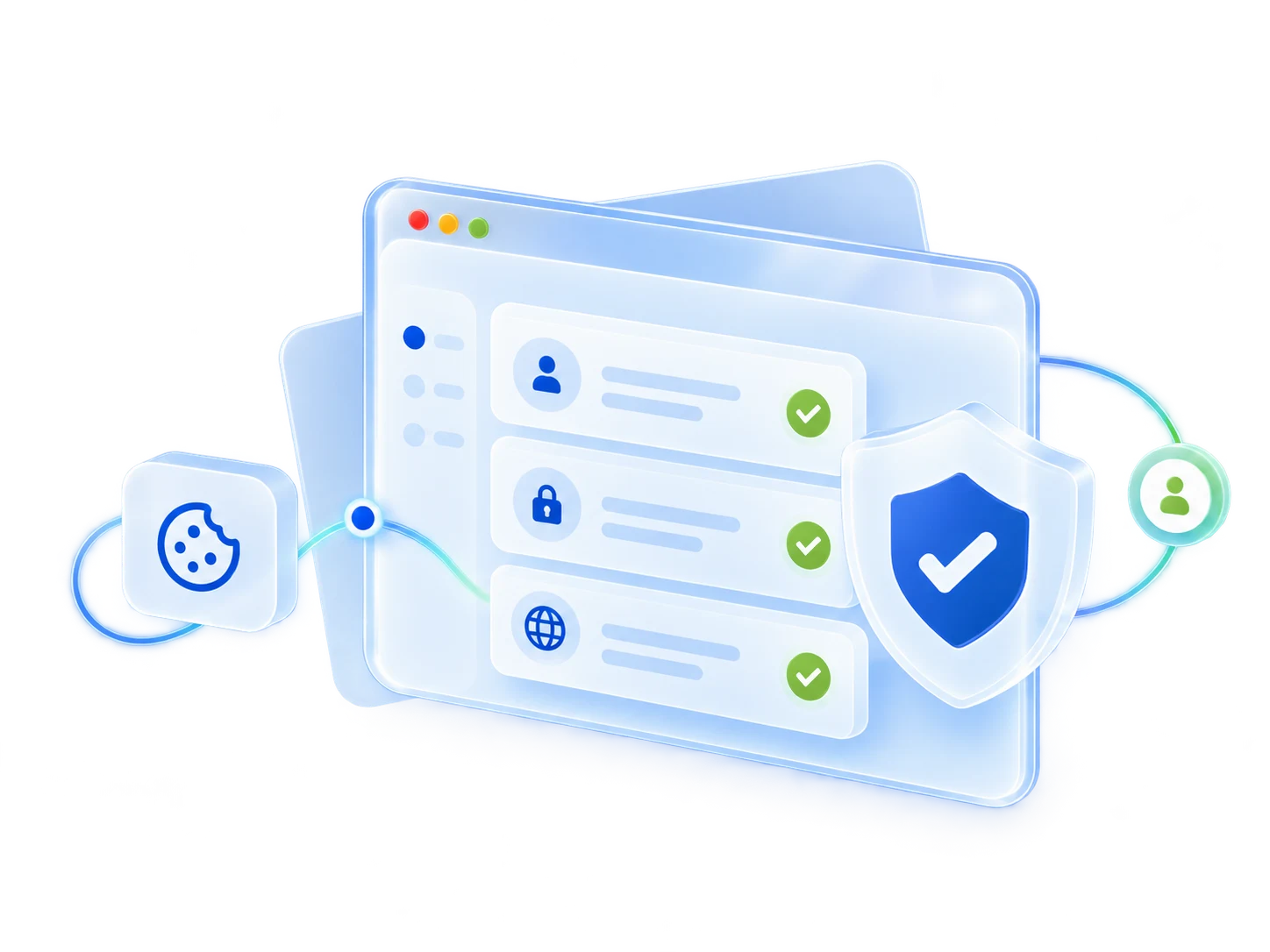
Privacy Requirements Across Different Regions
Privacy requirements may vary depending on where your organization operates, where its users are located and how personal data is processed. Businesses serving multiple markets may need to consider more than one legal framework.
Depending on your activities and audience, relevant requirements may include:
GDPR and UK GDPR
CCPA and CPRA
KVKK and LGPD
International data transfer requirements
Consent, opt-out and individual rights
Select the regions and processing activities that match your operations, then review the generated Privacy Policy against the requirements that apply to your organization.
Clear Privacy Information Across Websites and Apps
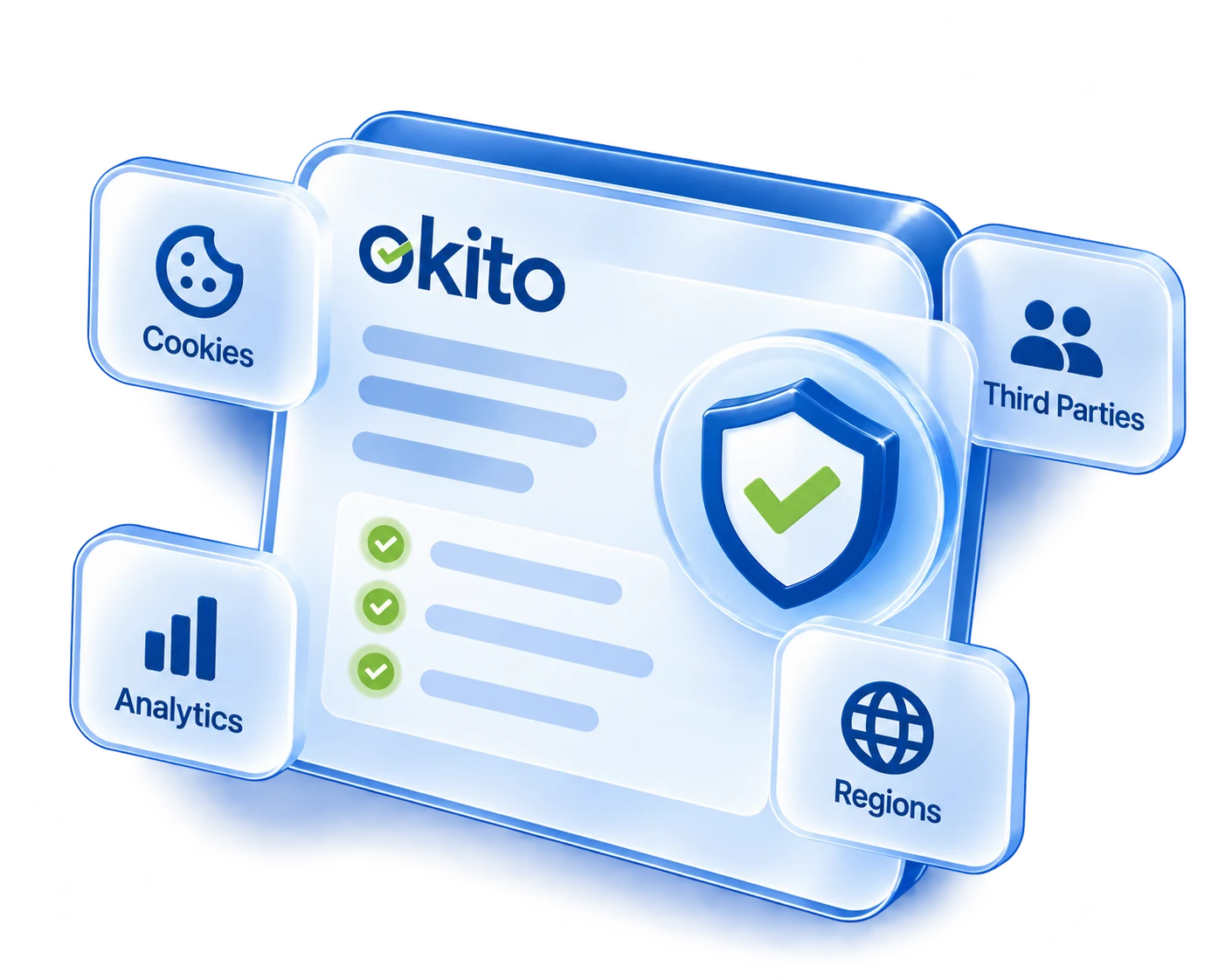
Websites and mobile apps may collect personal data in different ways. Websites commonly use forms, accounts and cookies, while apps may also involve SDKs, device identifiers, permissions and in-app activity.
The generated Privacy Policy can clearly identify:
The websites, apps and services it covers
The personal data collected through each service
Cookies, SDKs and other tracking technologies
Third-party services that may receive personal data
The choices and privacy rights available to users
Before publishing, confirm that the Privacy Policy matches the technologies and data practices currently used across your services.
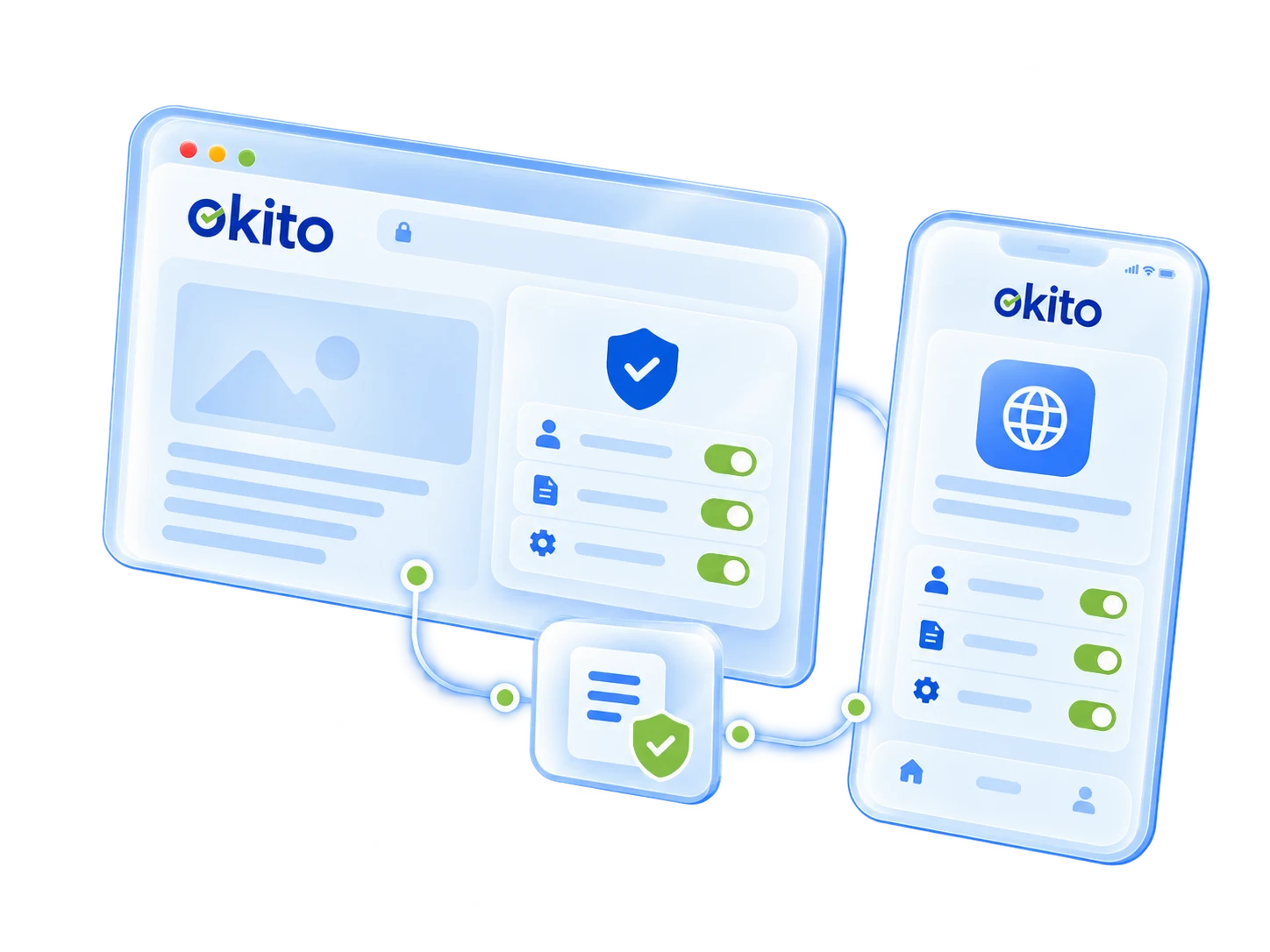
Create Your Privacy Policy in Three Steps
Add the domain of the website for which you want to create a privacy policy.
Choose the policy language and select the industry that best describes your business.
Enter your company name and email address to complete the required information.
Create your privacy policy, then copy the text or download it as a Word document.
What Is a Privacy Policy Generator?
A Privacy Policy Generator is an online tool that creates a privacy policy from information provided by a business. Users answer guided questions about their organization, digital services and data practices instead of drafting the document from scratch.
A typical generator collects information about:
The organization: Business name and contact details
Digital services: Websites, apps and other services covered
Personal data: Information collected from users
Data processing: How and why that information is used
Third parties: Service providers and other recipients
User rights: Available rights and request methods
The answers are organized into a structured policy that can be reviewed, copied and published. Unlike a static template, the document is shaped by the information entered. The business remains responsible for checking its accuracy.

What Should a Privacy Policy Include?
A privacy policy should clearly explain how an organization handles personal data. Its exact content depends on the business, its services and the privacy requirements that apply.
A comprehensive policy commonly addresses:
Who is responsible: Organization identity and contact information
What is collected: Categories and sources of personal data
Why it is processed: Purposes and applicable legal bases
Who receives it: Service providers and other recipients
How long it is retained: Retention periods or criteria
Where it is transferred: International data transfers
What rights users have: Access, correction, deletion and other rights
Which technologies are used: Cookies and similar technologies where relevant
The policy should use clear language, and every disclosure should match the organization’s actual practices.
Is a Free Privacy Policy Generator Enough?
A free Privacy Policy Generator can be a practical starting point for websites, mobile apps and businesses with straightforward data practices. It reduces manual drafting and organizes common privacy disclosures in one document.
Before publishing, check that:
Your business and contact details are current
The policy matches your actual data practices
Relevant technologies and third parties are included
Privacy request methods work in practice
Applicable privacy requirements are addressed
Legal review may be appropriate when processing involves sensitive or children’s data, multiple jurisdictions or other high-risk activities.
Okito’s free Privacy Policy Generator simplifies this process by creating a policy that can be reviewed, copied or downloaded as a Word document. However, publishing a privacy policy alone does not guarantee compliance.

Who Can Use a Privacy Policy Generator?
A Privacy Policy Generator can be used by businesses, website owners, mobile app developers, e-commerce stores, SaaS providers, agencies and independent professionals.
It is particularly useful for services that collect personal data through contact forms, user accounts, payments, subscriptions, analytics, marketing tools or customer support. The generated policy can then be adapted to reflect the way each organization operates.
Frequently Asked Questions
Yes. Okito offers a free Privacy Policy Generator for websites, mobile apps and businesses. After entering the requested information, you can generate, copy or download the policy as a Word document. Review the final content before publishing to make sure it accurately reflects your actual data practices.
With Okito, you can generate a privacy policy in four steps:
Enter your domain.
Select your language and industry.
Add your company name and email address.
Generate the policy, then copy it or download it as a Word document.
Review the generated policy and update any information that does not accurately reflect your business.
Privacy policies vary depending on the type of service, business operations and personal data involved. Common examples include:
E-commerce privacy policies covering accounts, payments, orders and deliveries
Mobile app privacy policies covering permissions, SDKs and device identifiers
SaaS privacy policies covering subscriptions, platform activity and customer support
Blog privacy policies covering analytics, comments, advertising and newsletters
Corporate website privacy policies covering contact forms and business enquiries
Each policy should be adapted to the organization’s actual data practices.
A privacy policy explains how an organization collects, uses, shares, retains and protects personal data. It also identifies who is responsible for processing the data and explains the rights or choices available to individuals.
A privacy policy may also be referred to as a privacy notice, privacy statement, data protection notice or personal information notice. The preferred term varies by organization and jurisdiction, but these documents generally explain how personal data is handled.
The exact content depends on the organization, its data practices and the privacy requirements that apply. A privacy policy commonly includes:
Organization and contact details
Categories and sources of personal data
Processing purposes and legal bases
Service providers and other recipients
Retention periods or criteria
International data transfers
Privacy rights and methods for submitting requests
Cookies and similar technologies, where relevant
Every statement should accurately reflect the organization’s actual practices.
Privacy concerns how personal data is collected, used, shared and controlled. Security concerns the technical and organizational measures used to protect information against unauthorized access, loss, alteration or disclosure.
Security is an important part of protecting personal data, but having security measures in place does not by itself determine whether data is being collected or used appropriately.
You can copy a privacy policy generated for your own business or adapt a template you are permitted to use. However, copying another organization’s privacy policy without making appropriate changes is not recommended because its services, technologies and data practices may differ from yours.
Any copied, adapted or generated policy should be reviewed before publication to ensure that it accurately describes your organization.
Yes. Using a Privacy Policy Generator is generally legal. Privacy laws focus on the accuracy of an organization’s disclosures and how it handles personal data, rather than whether the policy was written manually or generated using a tool.
The information provided to the generator should therefore be complete and accurate, and the final policy should be reviewed before it is published.
You can add a privacy policy to your website in a few simple steps:
Create a dedicated page for the policy.
Publish it under a clear URL, such as /privacy-policy/.
Add a visible link to the policy in the website footer.
Link to it near forms, registration or checkout pages where appropriate.
The policy should remain easy to access wherever users provide personal data.
Depending on how personal data is obtained and processed, privacy information under the GDPR may include:
Controller and Data Protection Officer (DPO) contact details
Processing purposes and legal bases
Categories of personal data
Recipients or categories of recipients
Retention periods or criteria
International transfers and applicable safeguards
Data subject rights and methods for submitting requests
Consent withdrawal and complaint rights
Data sources and automated decision-making, where applicable
The information should be presented in a concise, transparent and easy-to-understand manner.
You can create and publish a privacy policy on Blogger by following these steps:
Generate a policy that reflects the services and technologies used on your blog.
Open Pages in the Blogger dashboard.
Select New Page and add the privacy policy.
Publish the page and place its link in the website menu or footer.
Make sure the policy accounts for any analytics, advertising, contact forms, comments or third-party widgets used on the blog.
A privacy policy explains an organization’s broader handling of personal data, including collection, use, sharing, retention and individual rights.
A cookie policy focuses specifically on cookies, pixels, local storage and similar tracking technologies. Cookie information may be provided in a separate policy or included within a clearly identified section of the privacy policy, depending on the organization’s practices and applicable requirements.