
 Türkçe
 English
Create your Okito account and easily complete the initial setup for user consent management.
Home / Google Consent Mode v2 and User Consent Management
Start Free Trial
Google Consent Mode v2 and User Consent Management
Google Consent Mode v2 helps communicate user consent preferences to services such as Google Ads and Google Analytics. It adjusts Google tag behavior based on visitors' choices, supporting consent-aware advertising and measurement practices across the EEA and the UK.
Powering we provide the latest solutions for website privacy compliance



























Google Consent Mode v2 and user consent management
Translate Consent Choices into Google Consent Mode v2 Signals
Okito converts each visitor’s choices into the consent signals used by Google Ads and Google Analytics. Google tags can then adapt their behaviour according to the consent status provided by the user.
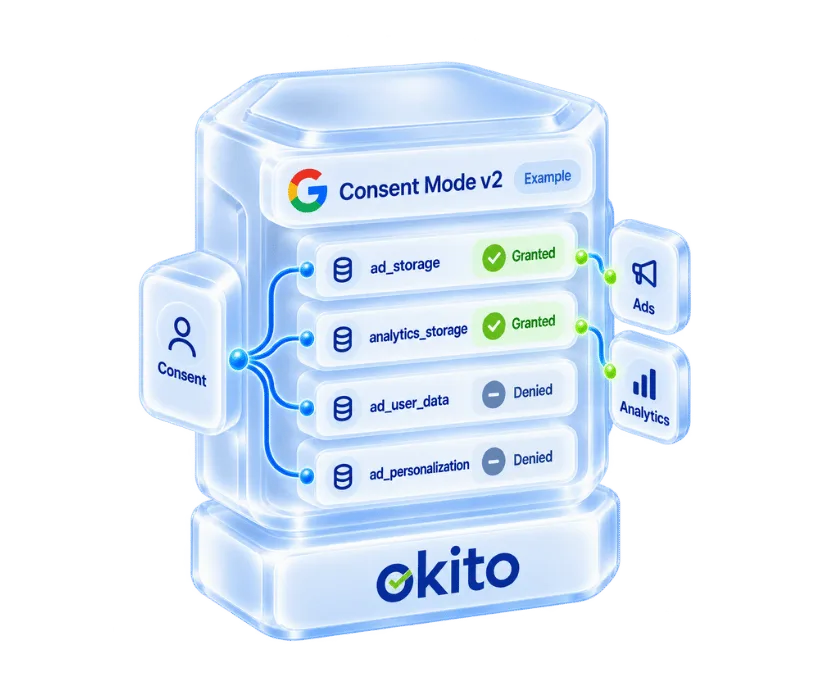
Support ad_storage, analytics_storage, ad_user_data and ad_personalization
Set initial consent states and update them after the visitor makes a choice
Communicate consent changes to Google Ads and Google Analytics
Support Basic and Advanced Consent Mode configurations
Enable consent-aware advertising, analytics and conversion measurement
Collect Consent with a Brand-Aligned Cookie Banner
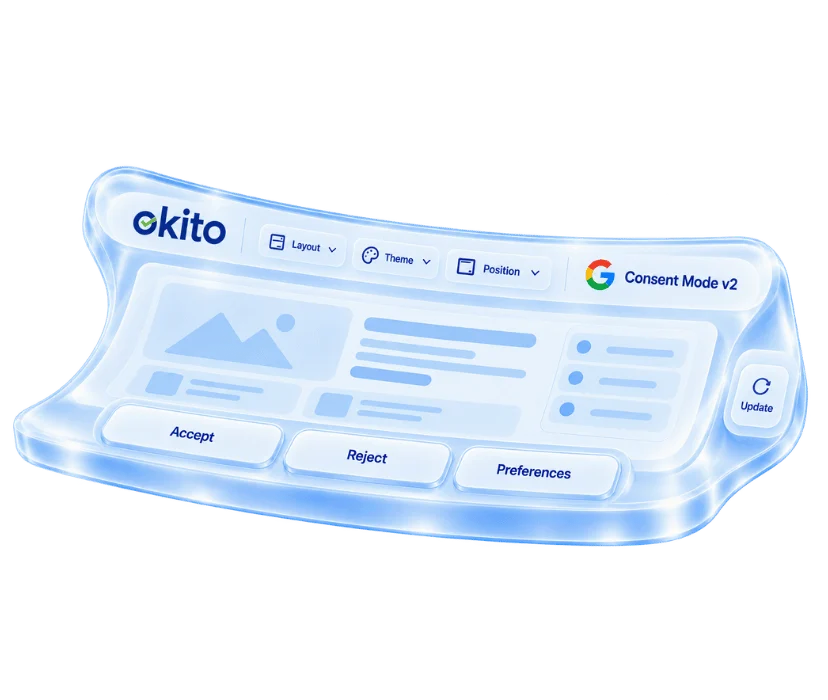
Give visitors clear and accessible choices through a responsive cookie consent banner designed to match your website and brand. Okito helps you collect and manage consent while maintaining a transparent user experience across devices and markets.
Provide clear Accept, Reject and Manage Preferences options
Customise banner text, colours, buttons and layouts
Display multilingual and location-specific consent experiences
Allow visitors to review or change their preferences
Control consent-dependent cookies and third-party scripts
Monitor and Maintain Your Consent Setup
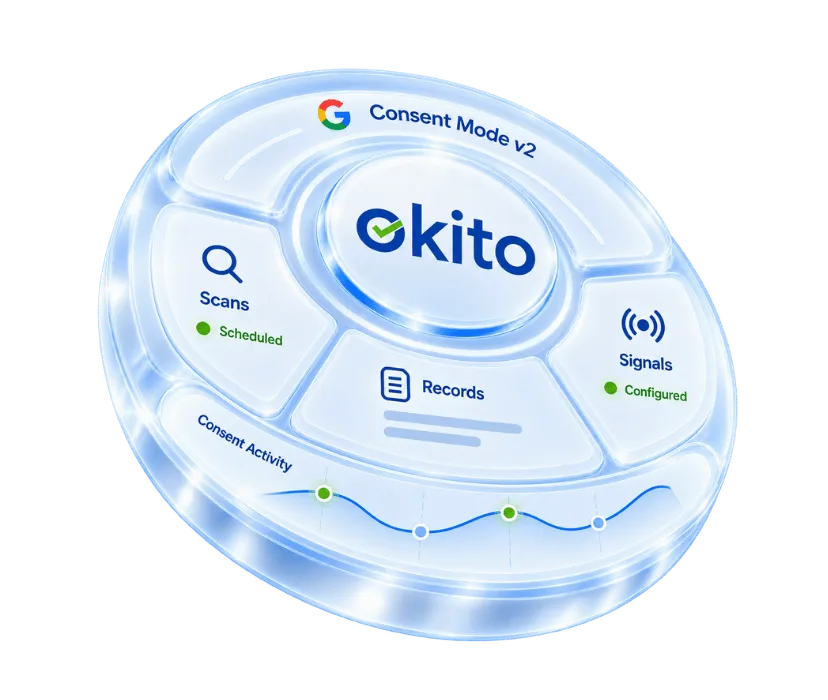
Maintain visibility over cookies, trackers, consent activity and configuration changes from a central platform. Okito helps your team keep the implementation consistent as your website and technology stack evolve.
Run scheduled cookie and tracker scans
Store consent records for accountability and audit purposes
Manage settings through a central dashboard
Monitor consent activity across your website
Review configurations as Google requirements and website technologies change
Access technical support for setup, testing and troubleshooting
Control Consent-Dependent Tags and Scripts
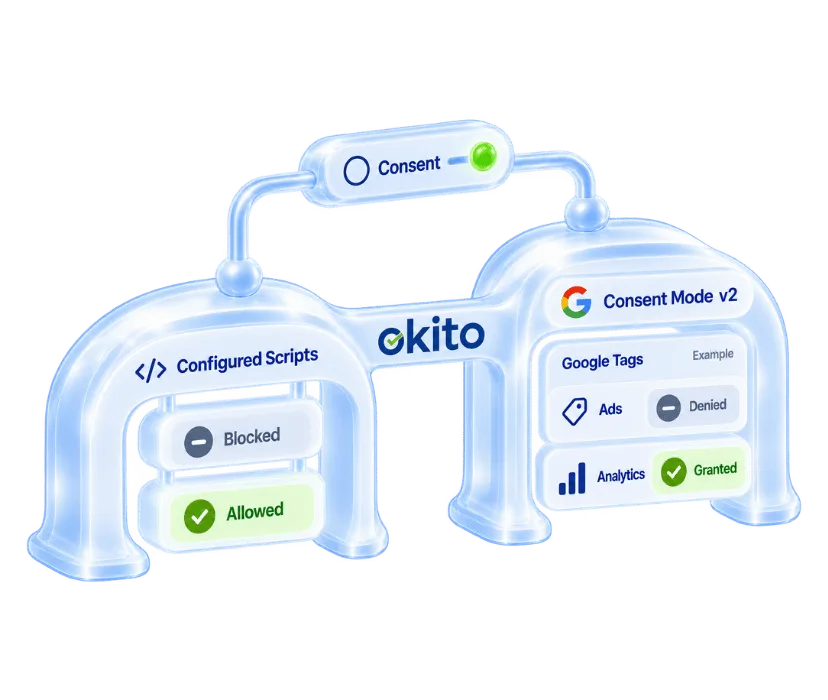
Apply visitor choices to consent-dependent cookies, tags and third-party scripts across your website. Okito helps control when configured technologies can access or store data based on the user’s consent preferences.
Control non-essential cookies and third-party scripts by consent category
Support prior blocking for configured consent-dependent technologies
Adjust Google tag behaviour according to the received consent signals
Integrate through Google Tag Manager, direct script installation or custom solutions
Update tag and script behaviour when visitors change their preferences
Get more from your users data with our Google certified CMP
Simplify user consent management in three steps
Okito simplifies user consent management on your website. Create your account, integrate Okito with your website, and manage visitors' privacy preferences through a single platform.
FAQ
Frequently Asked Questions
Google Consent Mode is a framework that allows Google tags to adjust their behaviour according to a visitor’s consent choices. It does not collect consent itself; it receives consent states from a cookie banner or CMP, as explained in Google’s Consent Mode overview.
Google Consent Mode v2 extends the original framework with ad_user_data and ad_personalization, alongside ad_storage and analytics_storage. These four signals communicate whether data may be stored, analysed, sent to Google for advertising or used for personalised ads.
A Google-certified CMP is a consent management platform assessed by Google against defined technical and integration requirements. Certification through the Google CMP Partner Program confirms technical compatibility with relevant Google systems, but it does not by itself guarantee compliance with every applicable privacy law.
A CMP collects the visitor’s choices and communicates the resulting consent states to Google. In Basic Consent Mode, relevant tags are restricted until consent is received; in Advanced Consent Mode, Google tags can load with denied defaults and may send cookieless signals that support aggregated measurement.
Google Consent Mode helps websites respect visitor choices while supporting consent-aware advertising and analytics. When correctly implemented, it may also support conversion and behavioural modelling where Google’s eligibility and data thresholds are met.
Google Consent Mode supports several Google tags and services, including Google tag, Google Analytics, Google Ads, Floodlight and Conversion Linker. These services use consent signals such as ad_storage, analytics_storage, ad_user_data and ad_personalization to adjust data storage, measurement and advertising behaviour according to the visitor’s consent status.
Google Tag Manager can be used to deploy and manage the Consent Mode configuration. Non-Google tags may require separate consent checks or script controls.
Yes. Okito is a Google-certified CMP included in the official Google CMP Partner list. It communicates the required Consent Mode v2 signals to Google Ads and Google Analytics through Google Tag Manager, direct script installation or custom integrations.
Google Consent Mode v2 is not a privacy law and does not replace a compliant consent process. However, it is a Google platform requirement for retaining certain advertising, remarketing and measurement capabilities in relevant use cases. Whether you need it depends on the Google services you use, your target regions and how your organisation processes visitor data.
To implement Google Consent Mode v2:
Choose Basic or Advanced Consent Mode based on your privacy and measurement requirements.
Configure your consent banner with clear accept, reject and preference options.
Set default consent states for
ad_storage,analytics_storage,ad_user_dataandad_personalization.Update the signals whenever visitors make or change their consent choices.
Deploy and test the configuration through Google Tag Manager or a direct script.
The Okito Knowledge Base provides additional guidance for implementation and testing.
In Google Tag Manager, consent defaults should be established during Consent Initialization before other relevant tags run. When a visitor makes or changes a choice, the CMP updates the consent state and Google tags use their built-in consent checks to adjust their behaviour.
Test accepted, rejected and granular consent choices using Google Tag Assistant, Google Tag Manager Preview mode or browser developer tools. Confirm that all four Consent Mode v2 signals are set and updated at the correct time. The Google Consent Mode Checker can also identify missing signals and configuration problems.