
 Türkçe
 English
Cookie Consent For GDPR & CCPA Compliance
Simplify cookie consent management and comply with data privacy requirements in more than 30 countries. You can create customizable cookie banners in minutes and automatically manage user consent across your website.
With our centralized management system, you can deliver a transparent and user-friendly cookie experience without requiring any technical expertise.


















Discover how Okito ensures your compliance
Customizable Cookie Consent Banner
Create a cookie consent banner that fits your website’s design, language, and user experience. Customize the layout, colors, text, buttons, and display position so visitors can clearly understand their consent options from the first interaction. A clear and well-designed cookie banner helps communicate privacy choices in a simple, transparent, and user-friendly way.
Granular Cookie Consent Controls
Give visitors clear control over their cookie preferences with category-based consent options. Manage cookies and scripts by purpose, category, or vendor, and help users make informed privacy choices without unnecessary friction.
Automated Website Cookie Scanning
Websites constantly change as plugins, analytics tools, advertising platforms, and third-party services are added or updated. Automated cookie scanning helps identify cookies and tracking technologies so your consent information stays accurate.
Cookie Consent Manager Dashboard
Manage consent records, review scan history, monitor detected cookies, and keep your privacy settings organized from one dashboard. As your website evolves, your cookie management workflow remains simple and centralized.
Free Privacy & Cookie Policy Generator
Generate privacy and cookie policies using guided templates designed to simplify documentation. Create, update, and copy policies whenever your website changes without writing everything from scratch.
Deploy a cookie banner in mintunes

Create an account for free
Copy the banner install code
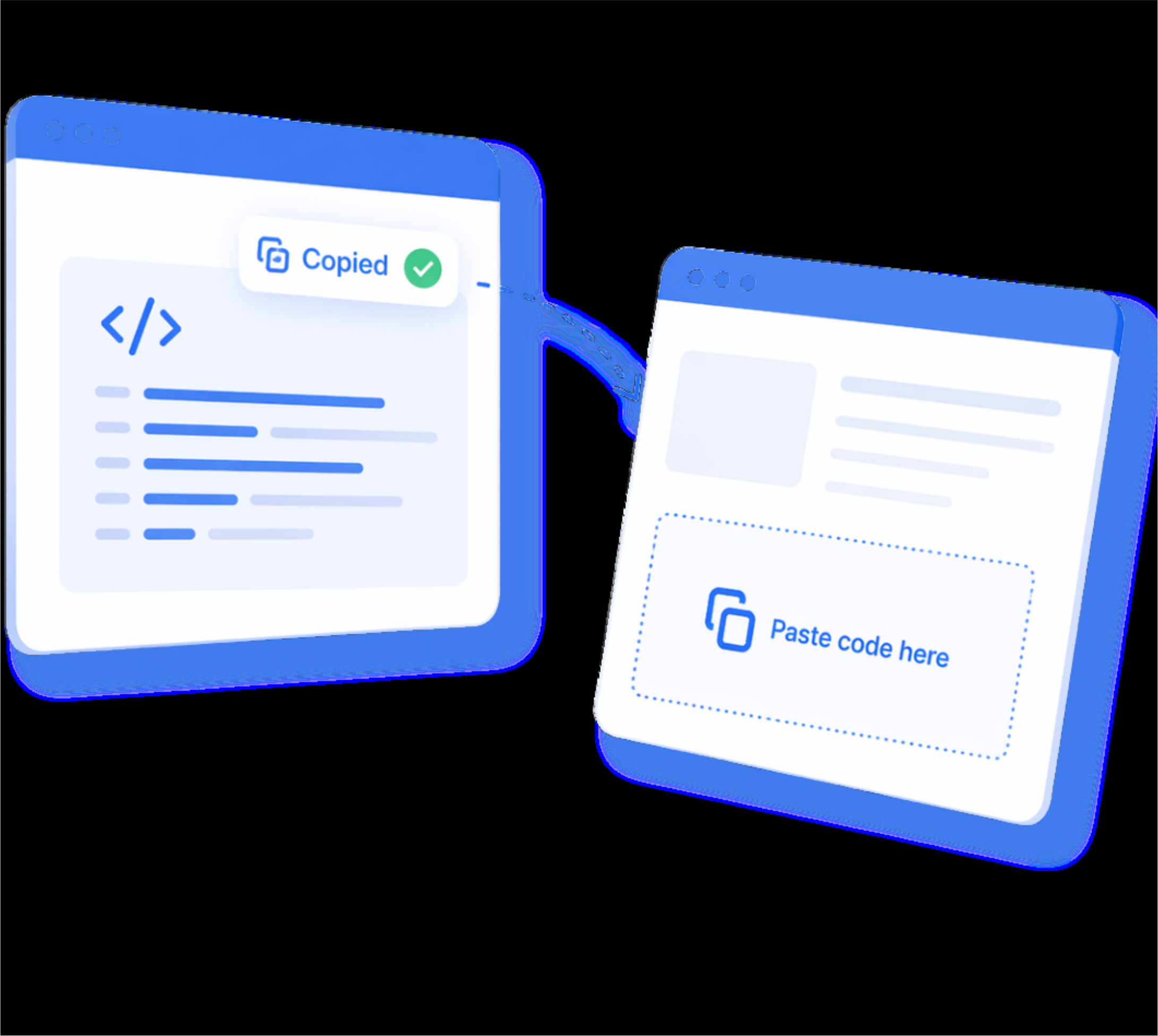
Paste the code on your website
Discover how Okito can help your website
Cookie consent is the permission a website asks from visitors before using non-essential cookies and tracking technologies. These can include analytics cookies, marketing cookies, advertising pixels, personalization cookies, and third-party scripts. It helps websites stay transparent and support compliance with privacy regulations such as GDPR, CCPA/CPRA, KVKK, and ePrivacy rules.
A cookie consent banner is the notice shown to users when they visit a website. It informs visitors about cookie usage and allows them to accept, reject, or manage cookie preferences by category, such as necessary, analytics, marketing, and preference cookies.
You need a cookie consent solution because your website may use cookies and third-party technologies that collect, store, or process user data. Without a proper consent system, visitors may not clearly understand what data is being collected, why it is used, or how they can control their preferences.
A cookie consent solution is important because it helps you:
Meet privacy requirements: Support compliance with regulations such as GDPR, CCPA/CPRA, KVKK, ePrivacy, and other global privacy laws.
Avoid using cookies without permission: Prevent non-essential cookies such as analytics, marketing, advertising, and tracking cookies from running before the user gives consent where required.
Give users real control: Allow visitors to accept, reject, or customize cookie preferences instead of forcing a single “accept all” option.
Improve transparency: Clearly explain which cookies are used, what they do, and whether third-party services are involved.
Keep proof of consent: Store consent records so you can show when and how users made their cookie choices.
Reduce compliance risks: Make cookie consent easier to manage as your website changes, new tools are added, or privacy rules are updated.
A cookie consent tool is software that helps websites collect, manage, and document user consent for cookies and tracking technologies. It can include a customizable cookie banner, cookie scanning, cookie categorization, consent records, preference management, and support for regulations such as GDPR, CCPA/CPRA, KVKK, and ePrivacy.
GDPR cookie consent is the process of getting clear and active permission from users before placing non-essential cookies or using tracking technologies that may process personal data. Under the General Data Protection Regulation, this consent should be given through a direct user action, such as clicking “Accept” or choosing specific cookie preferences on a consent banner.
Website cookie consent is the process where visitors choose whether a website can activate cookies, trackers, pixels, or similar technologies that may process their data. It gives users the option to accept, reject, or manage non-essential cookies such as analytics, marketing, advertising, and third-party tracking cookies.
Cookie consent is important for privacy compliance under regulations such as GDPR/ePrivacy, KVKK, LGPD, POPIA, and CCPA/CPRA. Using a cookie consent tool helps websites manage this process more easily by collecting preferences, controlling cookie categories, and keeping consent records.
Cookie consent management is the process of collecting, recording, and managing users’ cookie preferences for cookies, trackers, pixels, and similar technologies used on a website. It helps websites provide transparency, respect user choices, and support compliance with privacy regulations such as GDPR, CCPA/CPRA, KVKK, and ePrivacy.
Yes, storing cookie consent is important because websites may need to prove that valid consent was collected under privacy regulations such as GDPR, KVKK, and ePrivacy. Consent records can include the user’s choice, consent date, selected cookie categories, and policy version.
No, strictly necessary cookies usually do not require consent because they are essential for the website to function. However, non-essential cookies such as analytics, marketing, advertising, personalization, and third-party tracking cookies generally require consent or a clear opt-out option, depending on the applicable regulation.
Yes, users should be able to change or withdraw their cookie consent at any time. A proper cookie consent setup should provide a cookie settings or preference management option where users can update their choices easily.