 Türkçe
 English
Shopify Cookie Consent App
Make cookie consent simple for your Shopify store. Okito helps you display a customizable consent banner, block non-essential cookies before approval, manage user preferences, and keep consent records securely. It supports GDPR, CCPA, ePrivacy Directive, and Google Consent Mode v2 requirements while keeping the user experience clear, smooth, and easy to manage.
 Download Shopify App
One Consent Platform for Shopify and Other Platforms
Start with Shopify cookie consent and keep your compliance setup scalable as your business grows. Okito helps you manage cookie banners, consent preferences, cookie blocking, and privacy workflows across different platforms without rebuilding your setup from scratch.
Download Shopify App


















Compatible with OS 2.0 and Shopify themes

Lightweight for minimal load and fastest site speed
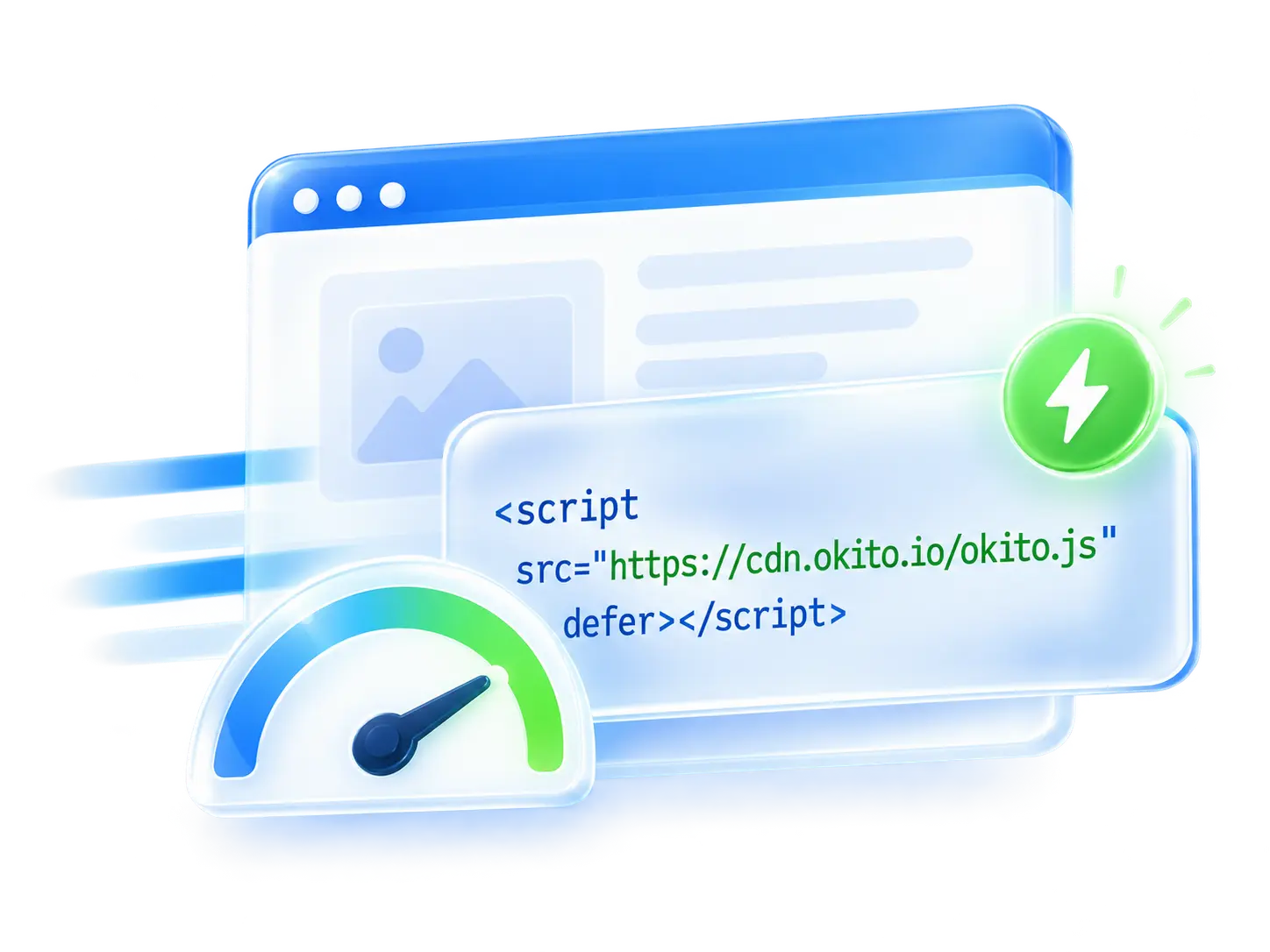
Stable and secure for the best site experience
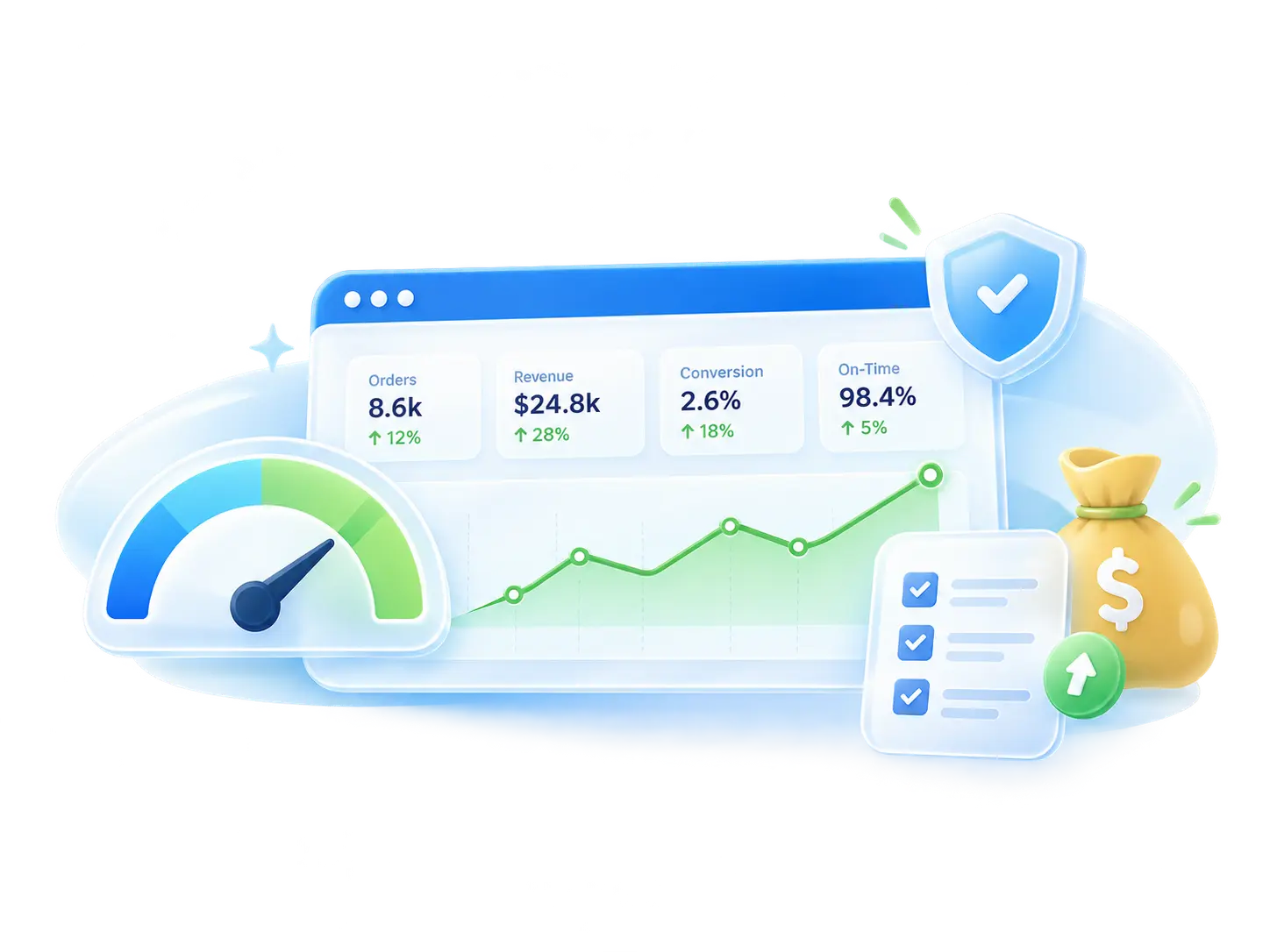
Everything You Need for Shopify Cookie Consent Management
Install Okito on Shopify in Minutes
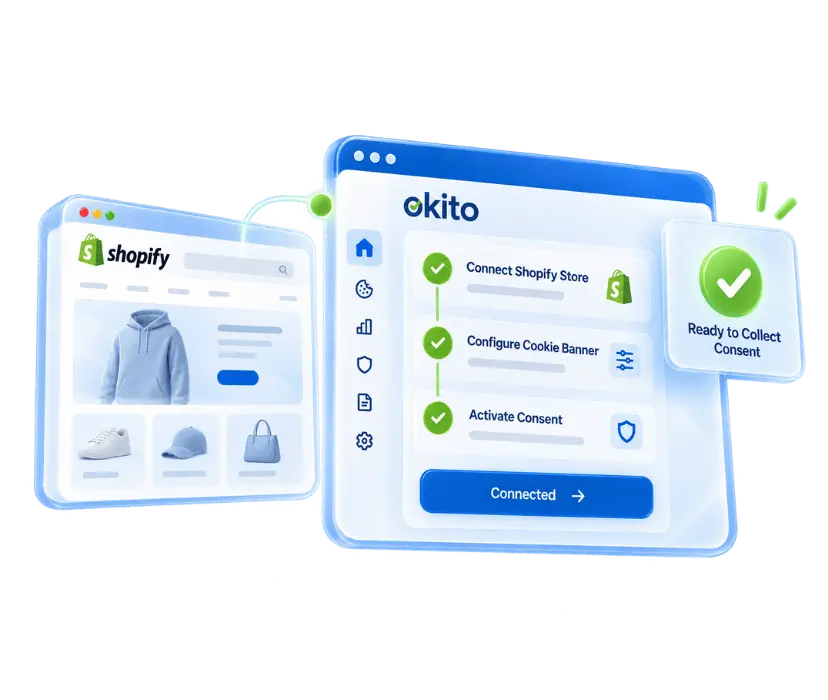
Shopify stores need more than a simple cookie banner to meet modern privacy expectations. Okito helps you install a Shopify cookie consent app, configure your banner, and start managing consent without modifying your theme or writing custom code. From one setup flow, you can prepare your store for GDPR, CCPA, ePrivacy Directive, and Google Consent Mode v2 requirements.
Install directly on your Shopify store
No manual coding or theme editing required
Start collecting cookie consent in minutes
Automatic Cookie Scanner
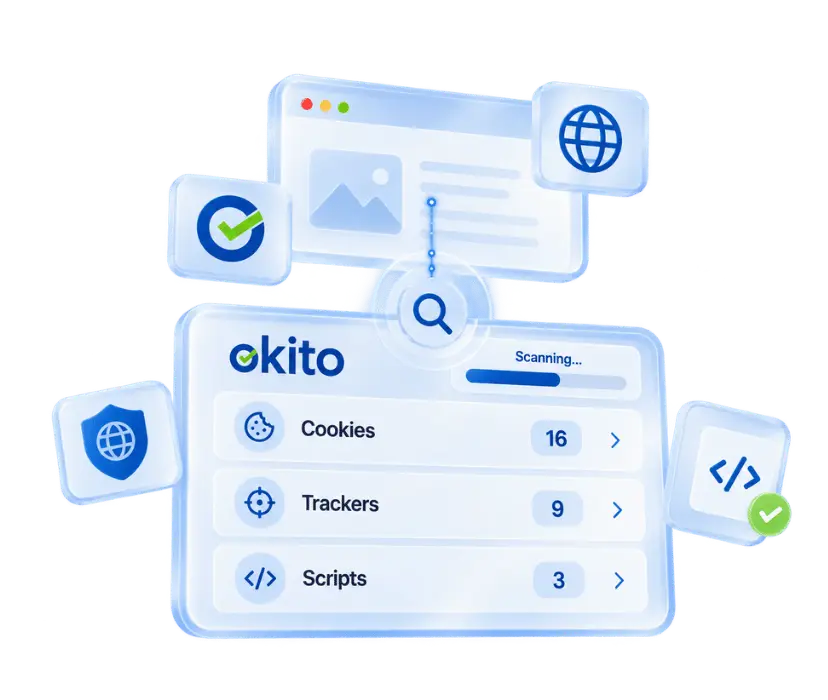
Shopify stores often use themes, apps, analytics tools, marketing pixels, and third-party scripts that may place cookies. Okito scans your storefront, detects active cookies and tracking technologies, and organizes them into clear categories such as essential, analytics, preferences, and marketing. This helps keep your cookie list accurate as your store changes.
Detect cookies, scripts, pixels, and trackers
Organize cookies by category
Keep your Shopify cookie list easier to manage
Custom Cookie Banner for Your Shopify Theme
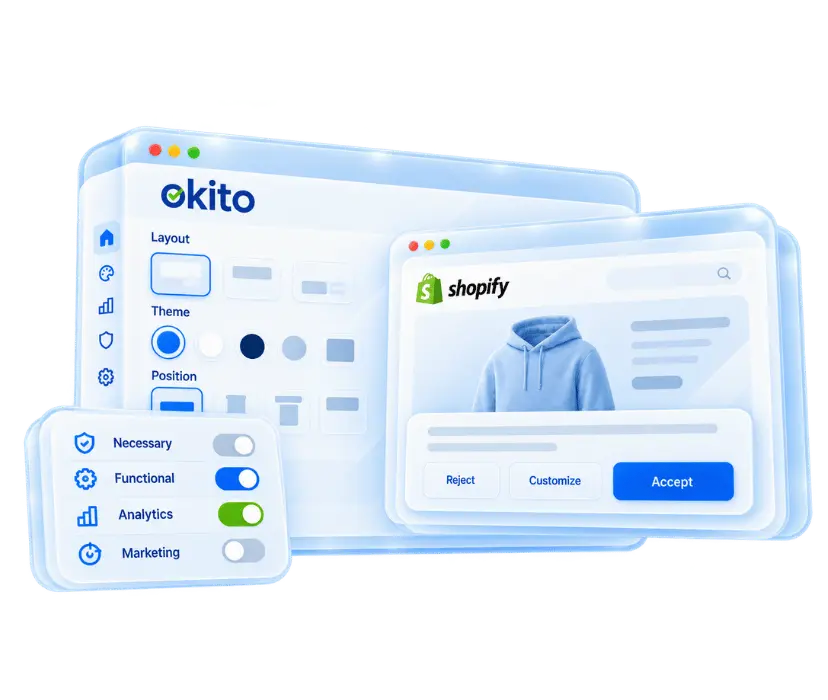
Okito lets you create a customizable cookie banner that matches your Shopify theme without coding. You can adjust the layout, colors, text, language, position, buttons, and consent behavior to fit your brand. Visitors can accept, reject, or manage cookie preferences directly from the banner, creating a clearer and more transparent consent experience.
Match your Shopify theme without coding
Customize banner layout, colors, text, and buttons
Let users accept, reject, or manage preferences
Consent Enforcement and Google Consent Mode
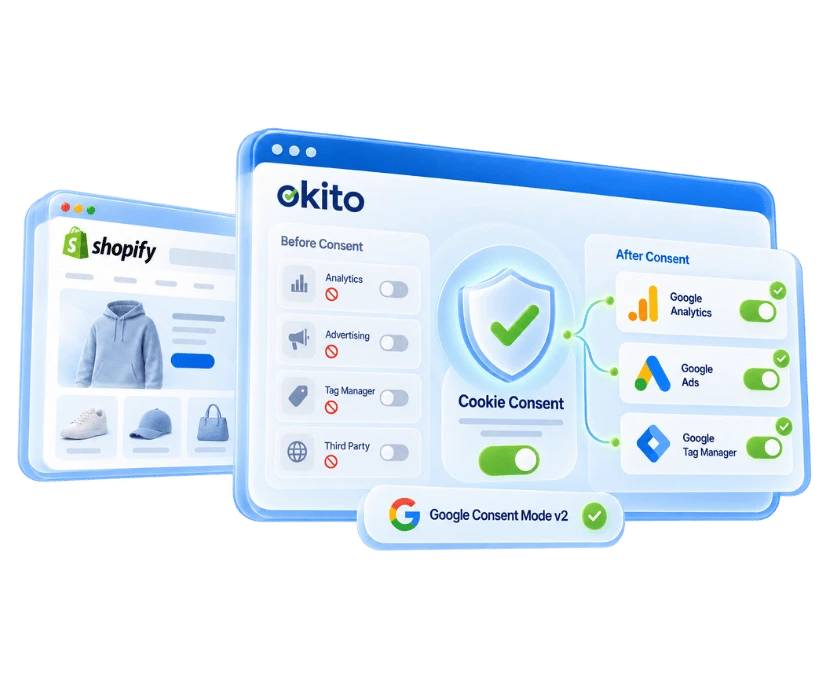
Okito helps prevent non-essential cookies, analytics scripts, advertising pixels, and third-party tracking tools from loading before valid consent is given. Once a visitor makes a choice, consent preferences can be applied across your Shopify store and shared with supported Google tools through Google Consent Mode v2, including Google Analytics, Google Ads, and Google Tag Manager.
Block non-essential cookies before consent
Apply consent choices across your Shopify store
Send consent signals to Google tools
Consent Logs, Policies, and Compliance Records
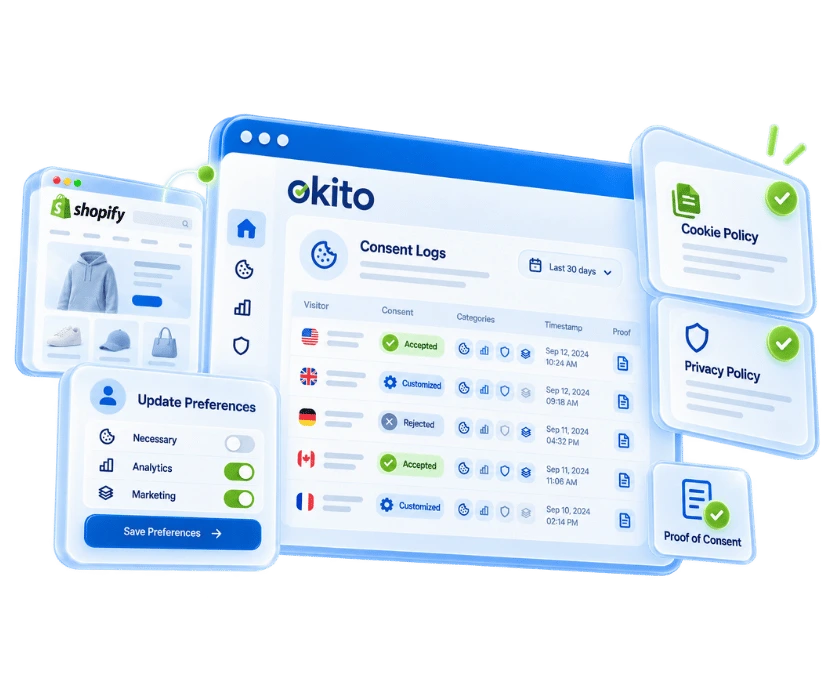
Okito helps you document consent activity with secure consent logs and proof of consent records. You can support your cookie policy and privacy policy with clearer cookie information, while giving visitors the ability to update or withdraw consent when needed. This makes ongoing Shopify GDPR compliance, CCPA alignment, and privacy reviews easier to manage.
Store consent logs as proof of consent
Support cookie policy and privacy policy management
Let visitors update or withdraw consent anytime
Frequently Asked Questions
Whether cookie consent is required on a Shopify store depends on the type of cookies being used.
Cookies that are strictly necessary for core functions like cart handling, checkout security, and fraud prevention can run without consent.
However, Shopify cookie consent becomes mandatory when the store uses cookies for purposes such as:
· Website analytics and performance tracking
· Advertising and retargeting campaigns
· Marketing pixels and third-party integrations
· Personalization based on user behavior
In these cases, visitors must be informed and given a clear choice before non-essential cookies are activated.
Most Shopify stores use cookies for essential functions such as cart, checkout, security, and user sessions. Additional cookies may also be created by analytics platforms, marketing pixels, third-party apps, embedded content, and tracking scripts. This is why scanning and categorizing cookies is important for Shopify cookie consent management.
You can add Shopify cookie consent by installing a consent management app and completing a few configuration steps. Once set up, you can display a cookie banner, manage visitor consent, and control how non-essential cookies behave.
Install a cookie consent or consent management app from the Shopify App Store.
Connect the app to your Shopify store.
Scan your store to detect cookies and tracking technologies.
Review and organize detected cookies into consent categories.
Customize your cookie banner, including its text, colors, language, position, and buttons.
Configure consent behavior for non-essential cookies and tracking scripts.
Enable the banner and publish your settings.
After setup, visitors can accept, reject, or manage their cookie preferences, while your consent settings are applied across your Shopify store.
After installing a cookie consent solution, you'll usually need to complete its configuration before it becomes active. While the exact steps vary by provider, the process typically includes:
Open the consent management app or dashboard.
Configure your cookie banner, including its text, appearance, and display position.
Choose the regions or markets where the banner should be displayed.
Review your consent categories and banner preferences.
Configure how non-essential cookies and tracking technologies should behave based on visitor consent, if supported.
Save and publish your settings.
Once activated, visitors can accept, reject, or manage their cookie preferences through the banner. Depending on the solution you use, consent choices may also be applied to supported cookies, pixels, and tracking technologies across your Shopify store.
Some Shopify cookie consent solutions offer free plans or basic cookie notice features, while others require a paid subscription. The available features depend on the solution you choose. Advanced capabilities such as automatic cookie scanning, prior cookie blocking, consent logs, multilingual banners, Google Consent Mode v2, and policy management are typically included in more comprehensive consent management platforms.
You can remove cookie consent from your Shopify store by uninstalling or disabling your consent management solution. The exact steps may vary depending on the app you use, but the process typically includes:
Open your Shopify Admin and go to Apps.
Select the cookie consent or consent management app you want to remove.
Disable the cookie banner (if the app supports it) or uninstall the app.
If required, remove any remaining theme app embeds, scripts, or integrations by following the provider's uninstall instructions.
Test your storefront to confirm the cookie banner and consent functionality have been removed.
Before removing your cookie consent solution, make sure your store still complies with applicable privacy requirements. If your store uses non-essential cookies, analytics tools, advertising pixels, or other tracking technologies, removing cookie consent may affect your privacy compliance.
Essential cookies required for core Shopify functionality, such as cart, checkout, security, fraud prevention, and session management, remain active because they are necessary for the store to function. Non-essential cookies—including analytics cookies, advertising pixels, marketing trackers, personalization cookies, and some third-party scripts—should be blocked until the visitor provides valid consent, in accordance with applicable privacy requirements.
To support GDPR cookie compliance, your Shopify store should clearly inform visitors about the cookies it uses, obtain consent before non-essential cookies are activated, allow users to accept, reject, or customize their preferences, and maintain proof of consent. Visitors should also be able to update or withdraw their consent as easily as they gave it.
If your Shopify store uses cookies or other tracking technologies, having a cookie policy is considered a best practice and may be required under applicable privacy laws. A cookie policy explains which cookies are used, why they are used, the categories they belong to, and how visitors can manage their preferences. It also supports transparency and helps users understand your store's privacy practices.
Yes. Okito helps block non-essential cookies, third-party cookies, analytics scripts, marketing pixels, and tracking technologies before valid visitor consent is given. After the visitor makes a choice, consent preferences can be applied across the Shopify store so tracking behavior follows the user’s selected privacy preferences.
Yes. Okito supports Google Consent Mode v2 and helps send visitor consent signals to supported Google tools such as Google Analytics, Google Ads, and Google Tag Manager. This helps Shopify stores manage analytics and advertising behavior based on user consent choices while supporting modern privacy compliance requirements.